Easy USD Exporter
What does it do?
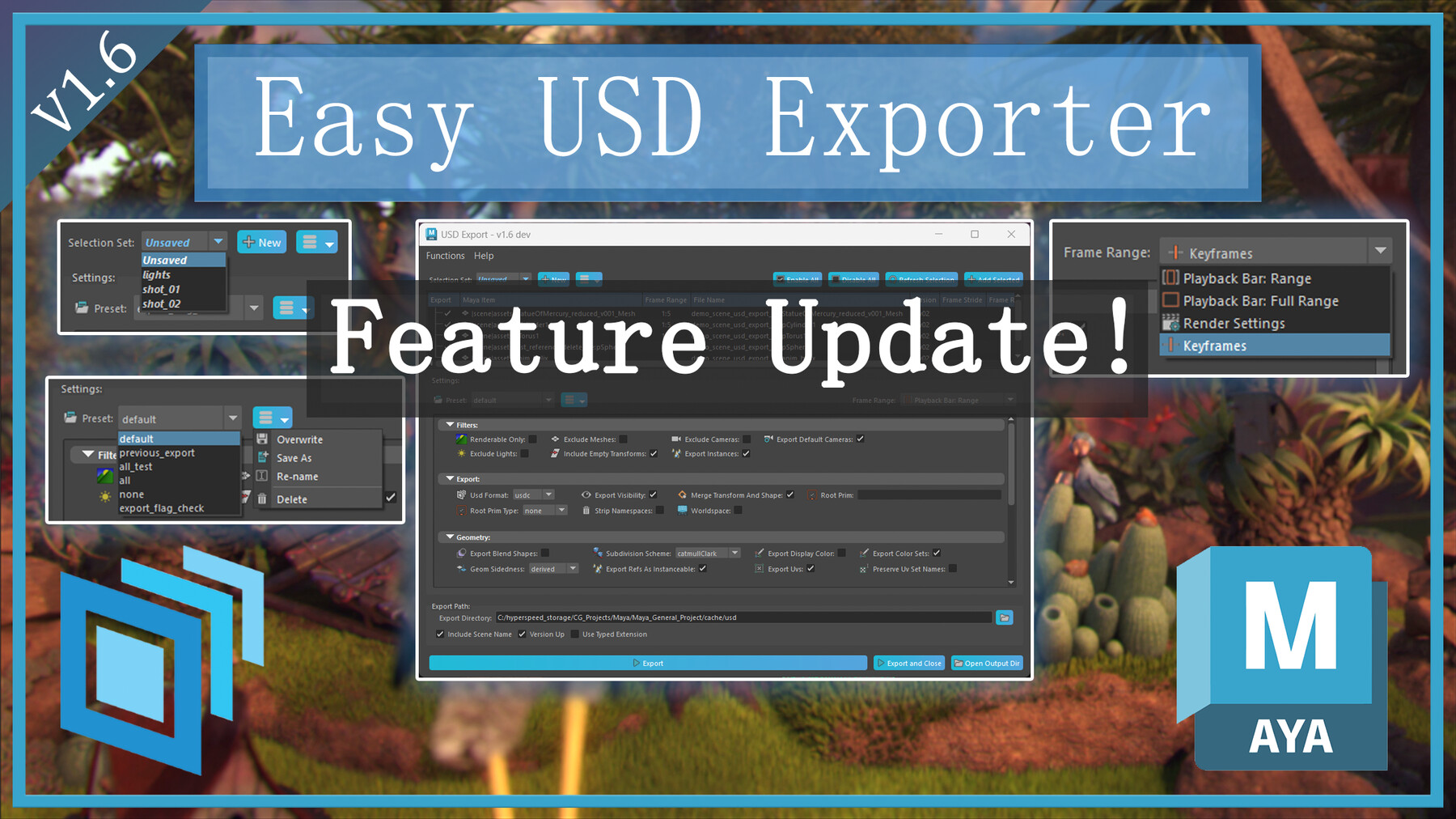
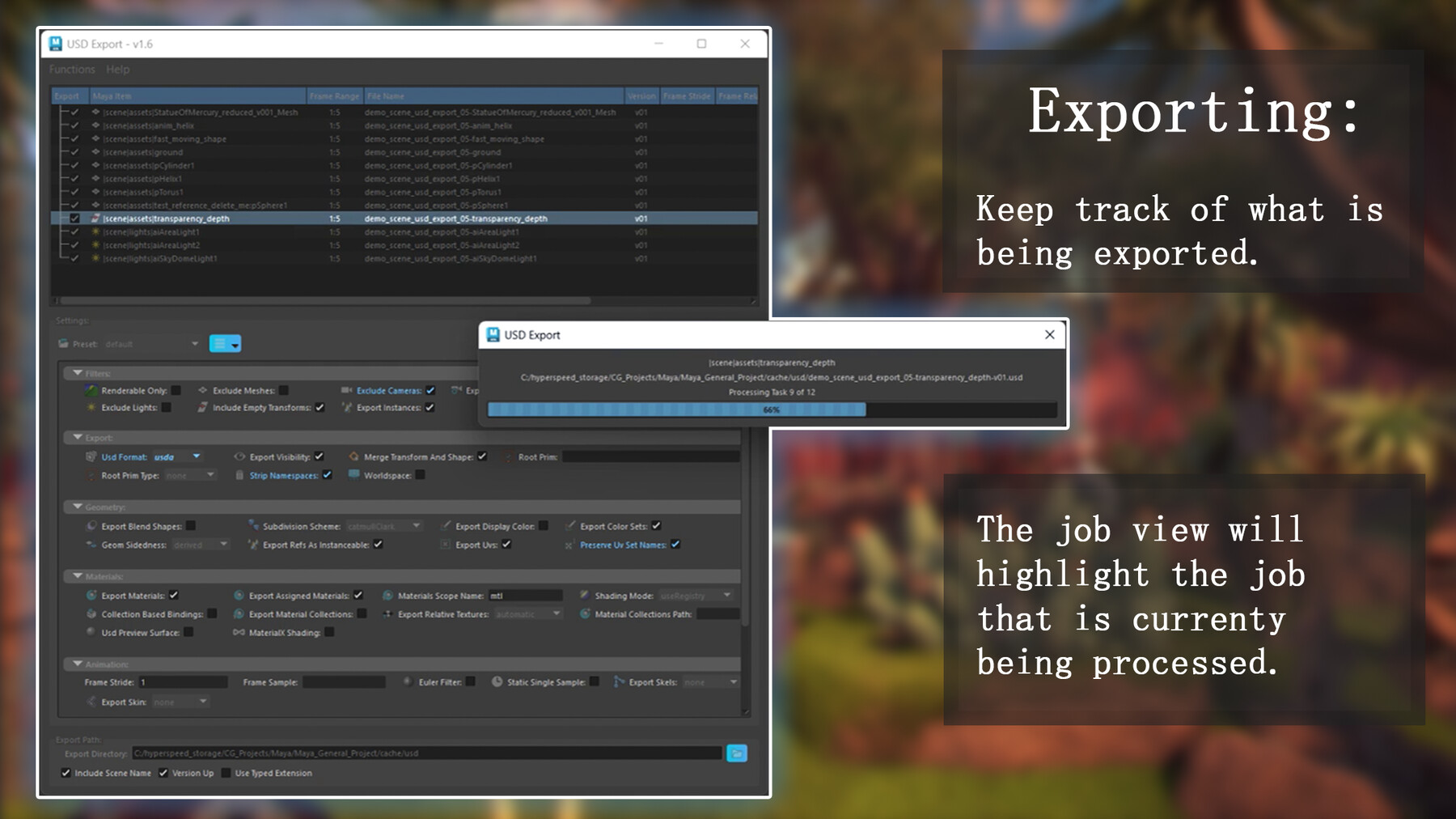
The interface allows you to select any number of objects within Maya and populate them into an interactive panel for batch USD Export to separate files with clear customisable settings.
See the Video Demo for an earlier version of the tool:
Within the user interface you can:
- Customise the auto generated output directory and name of your assets,
- Choose a source for automated frame range definition.
- Manually modify the frame range on a per asset basis as needed.
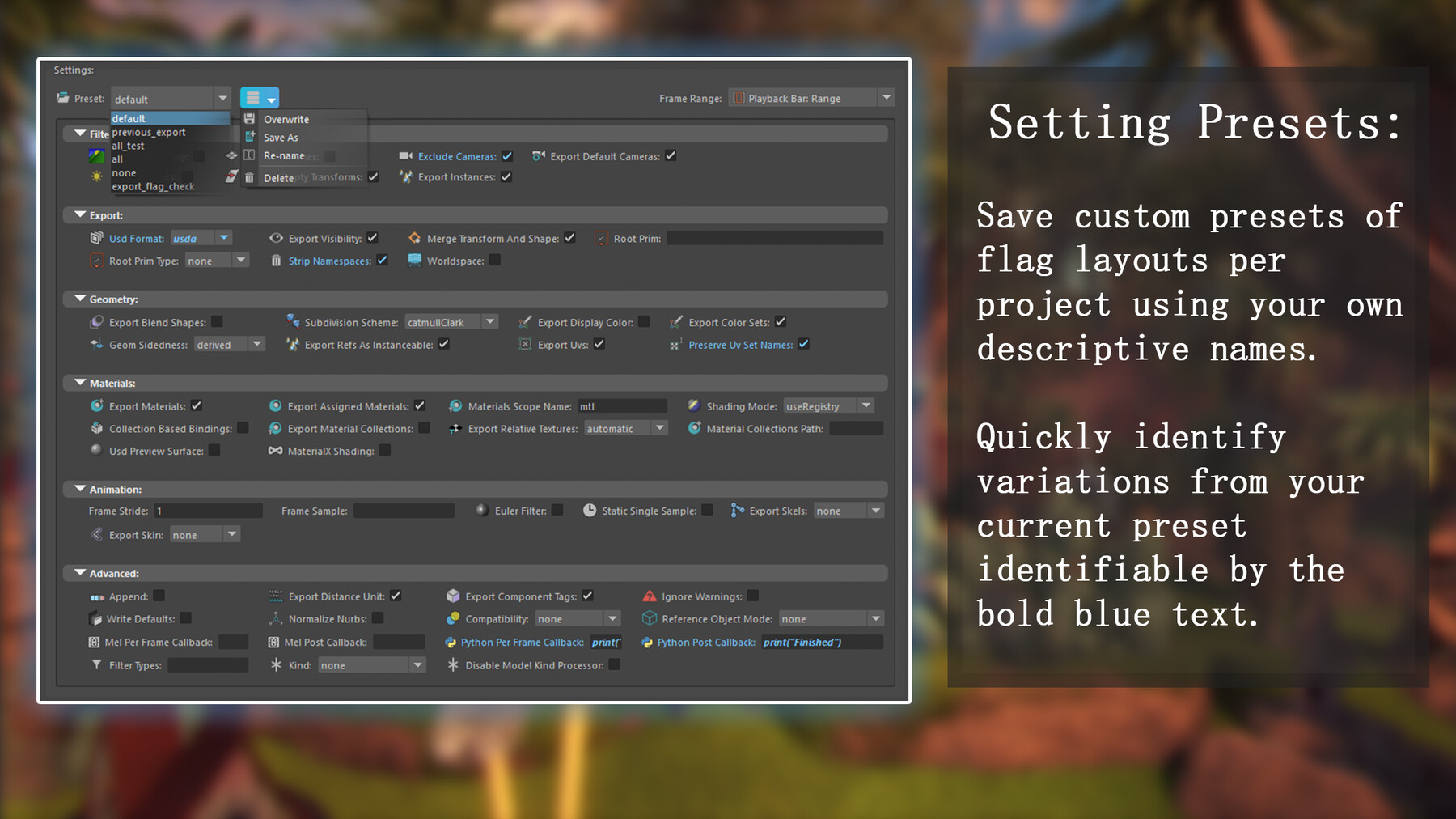
- Choose export flags to apply consistently to all exports.
- Create export flag preset setups that you can apply with a click.
The "Export" button will then perform the export of each item entry using the settings chosen.
Why use the Universal Scene Description (USD) format:
- Interoperability: USD is an open and scene-graph-based format. This means it can represent various 3D scene elements like geometry, materials, textures, and animations. It is designed to be compatible with a variety of 3D software, including Maya, Houdini, Nuke and other CG applications. This allows you to easily exchange cached data between Maya and other tools in your pipeline.
- Lightweight/Efficient: USD is a lightweight format. It stores scene data in a compact way, making it efficient for caching and reducing storage requirements compared to caching directly within Maya's native file format.
How to use it:
- Select the topmost node representing each asset you want exported separately in your scene.
- Run the script through the button on your shelf.
- Customise your export settings, use the defaults, or apply one of your presets.
- Click "Export" in the UI and watch it process.
- Done!
Installation Instructions:
Open Maya and view the shelf that you want to add the tool to.
Drag and drop the "usd_export.py" file into your Maya session.
The tool will appear on your current shelf.
Tutorial Blog: V1.3
Release Notes
Feature Update:
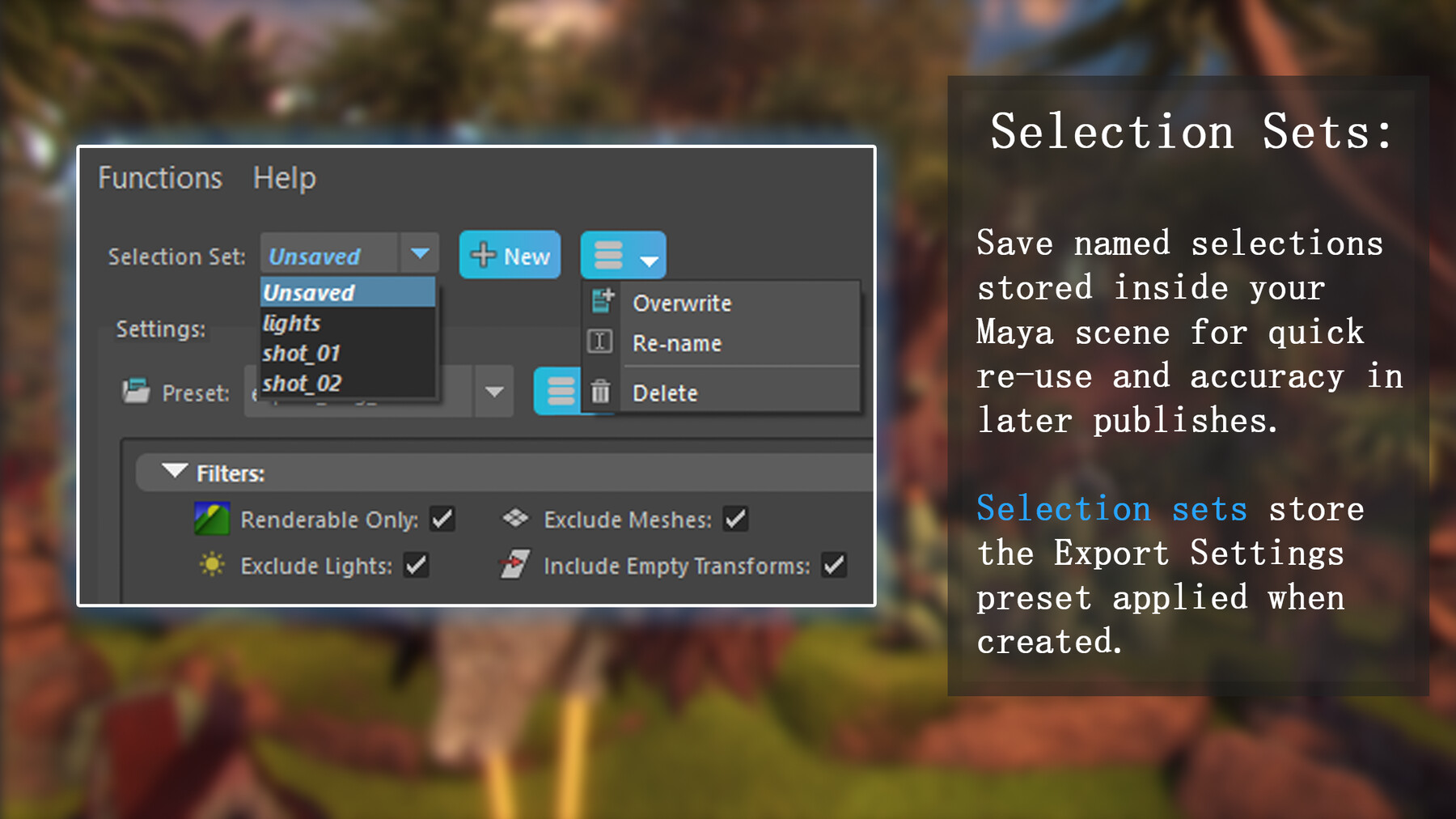
Selection Sets:
You can now save and manage selections for export to your Maya scene file for re-use in later publishes.
Export Settings:
Middle-mouse-click flag labels to revert them to their default value for the current setting preset."
"Frame Stride" and "Frame Relative Sample" are now present in the Export Settings area as well as in the graph to be set per asset.
Bugfixes:
Flag exclusions are now implemented based on the version of mayaUsdPlugin instead of the Maya Year.
The UI can be launched with nothing selected without scanning for skinned meshes.
Other minor optimisations and security improvements.