Auto Map BlendShape Attributes to Set-Driven-Keys

What does it do:
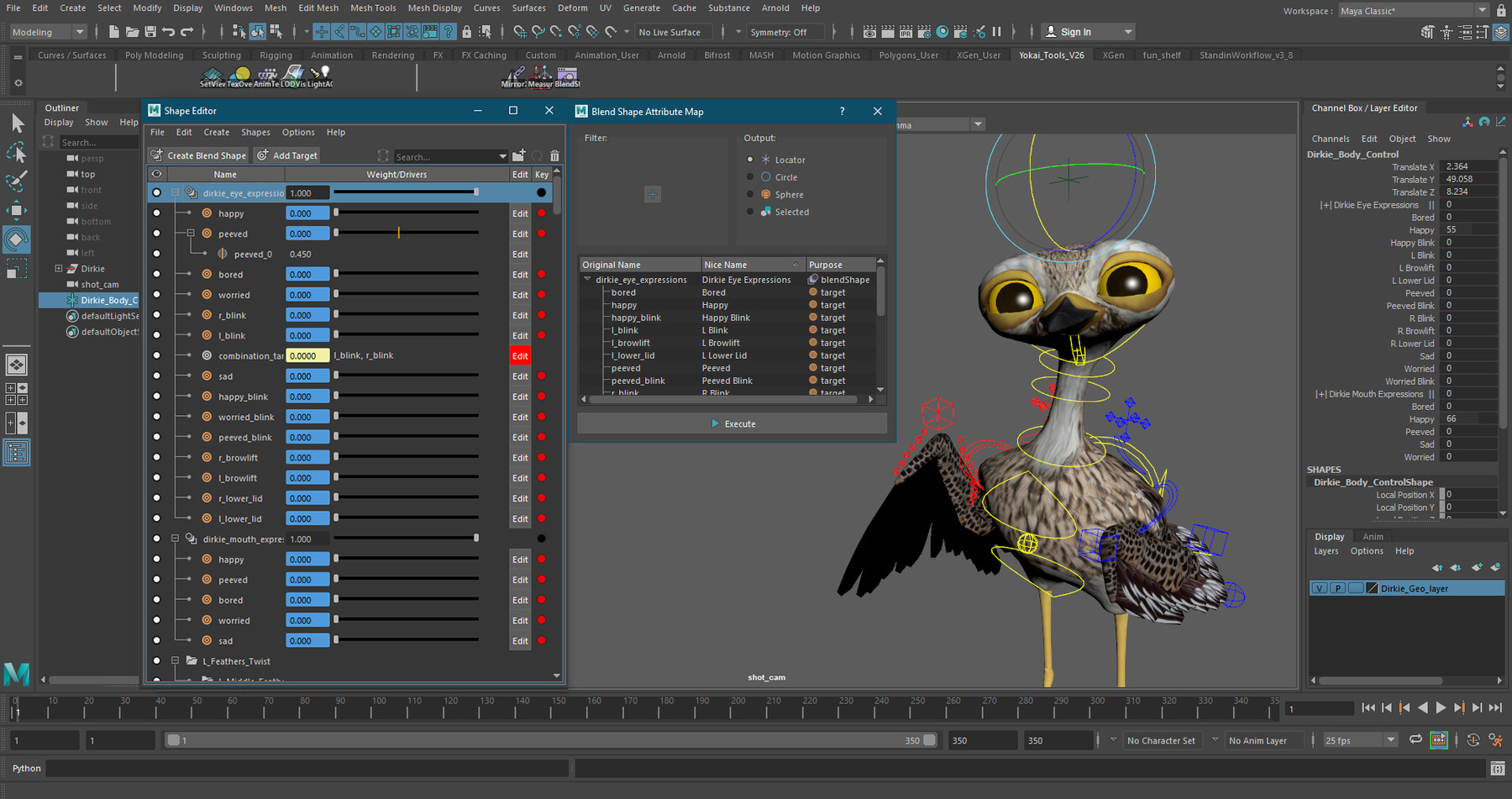
The script will create or populate a controller with attributes named based on the chosen blendShapes and then use Set-Driven-Keys to connect the activation of those blendShapes to the value of the attribute on your control.
- The tool supports the use of both In-Between targets and Combination Targets.
Example:
Given a character with a blend shape based facial rig, rather than set your driven keys one by one, you can simply select the head and run the script which will set-driven-keys to attributes, named after their source target, on a locator in just a few seconds.
How to use:
Select the mesh you want to map blend shapes for, and optionally also the control where you want to put the control attributes.
Run the script.
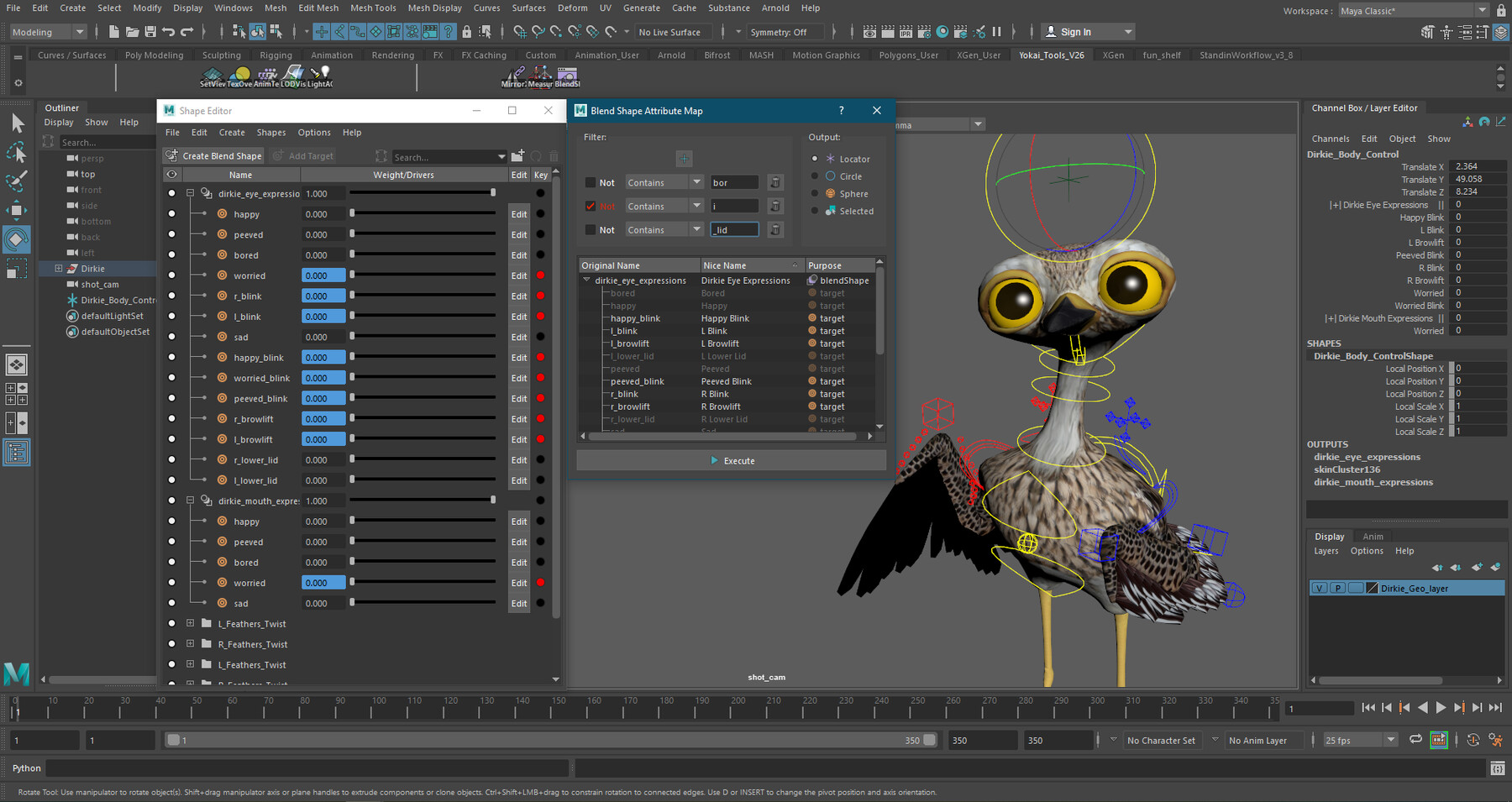
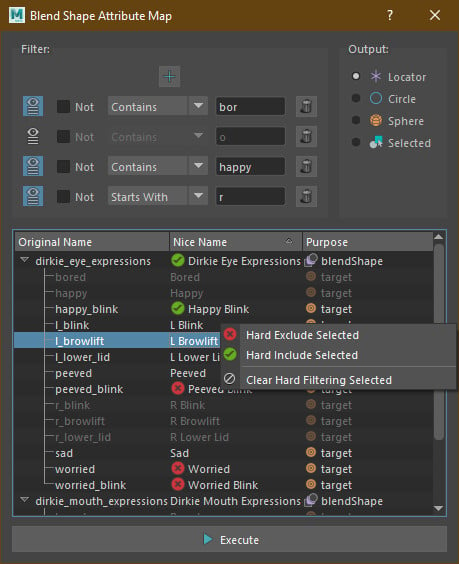
Filter which blend shapes should go through if you wish.
Choose what you want to export the attributes to.
Click "Execute" and watch it run.
Installation Instructions:
1. Open Maya and navigate to the shelf where you want this tool to be stored.
2. Drag "blend_shape_attr_map.py" into your Maya session.
Tutorial Blog: Here
Extra Information:
Character Textures by: https://www.artstation.com/jonathan_coetzer
This script has been closed-beta tested on a sample of up to 58 participants across 8 short films.
Release Notes
Added support for PySide6 used in Maya 2025. Support for PySide2 used in earlier versions of Maya is still supported.
Easy Installation: Now with a drag and drop installation to place it right on your shelf.
Some UI Improvements