ScatterFlow - Set Dressing Tools for Maya

What does it do:
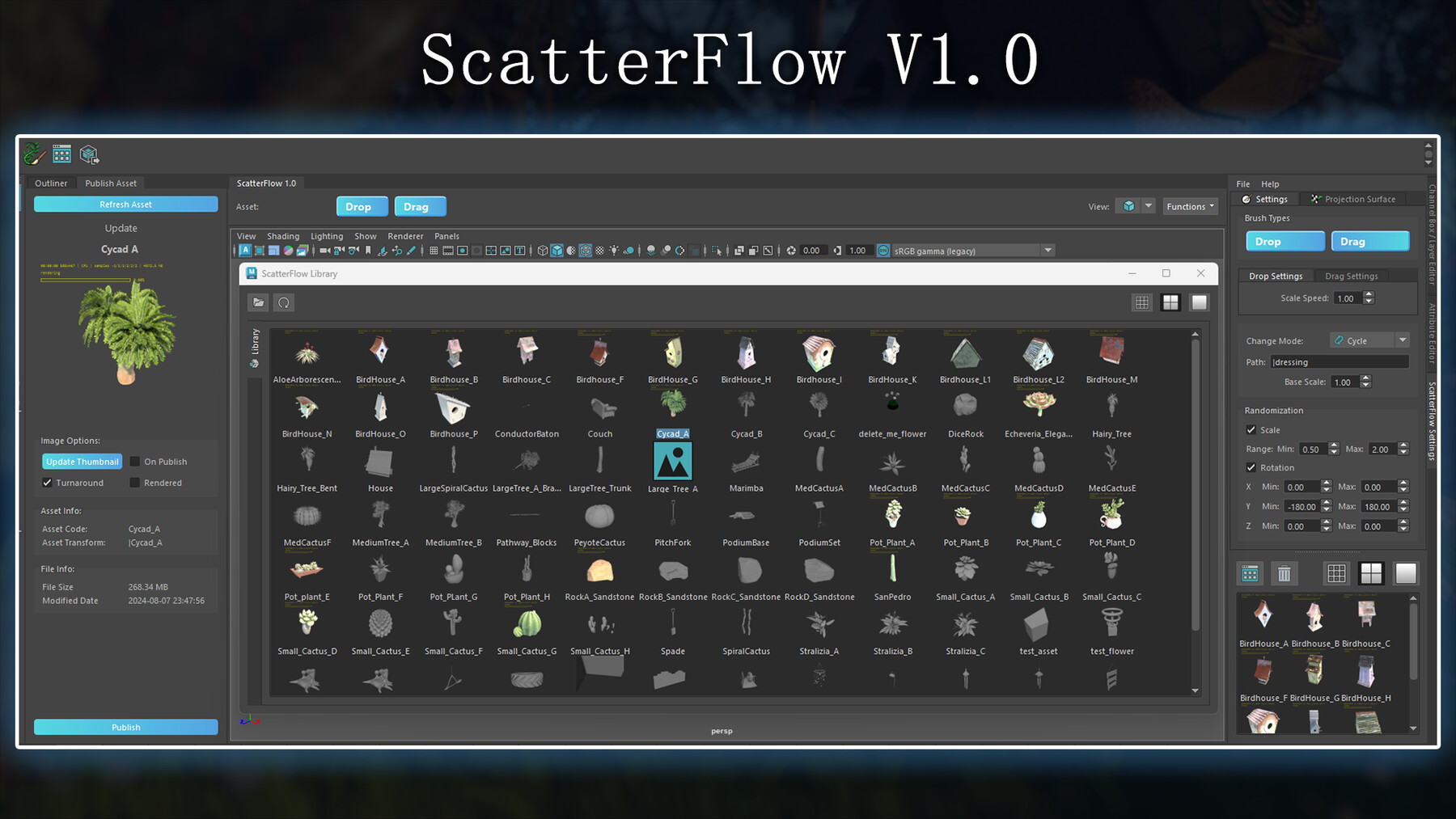
ScatterFlow V1.0 Full Documentation (Learn it all with gifs here)
V2.0 Update Blog post (Some things have been improved)
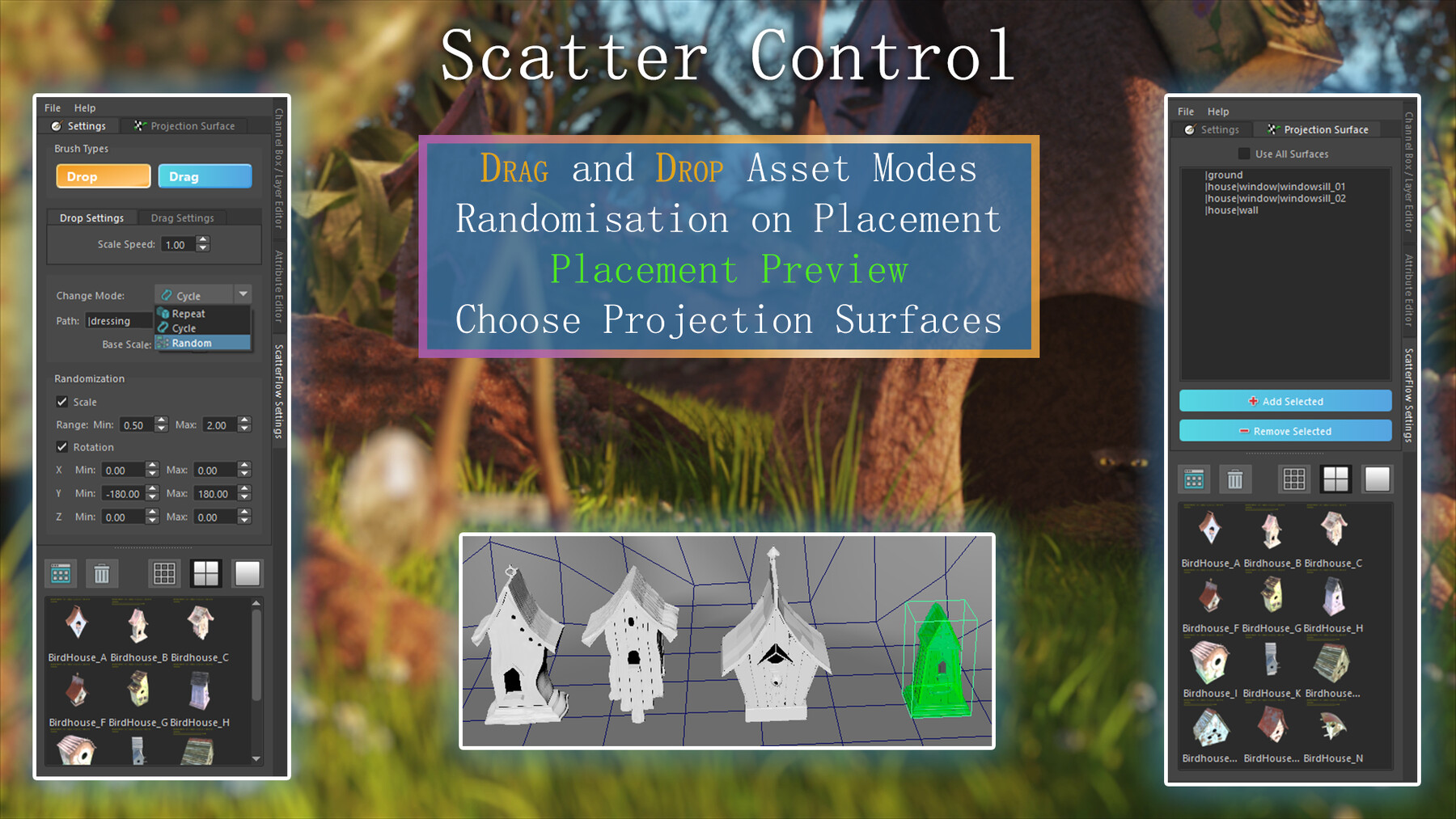
Intuitively dress your scenes by clicking and dragging to drop assets.
Apply randomisation to Rotation and Scale to speed up dressing.
Click and drag to interactively set the size and rotational angle of the asset with fine control in "Drop" mode.
Quickly layout a range of assets using the "Drag" mode.
aiStandin:
Dressing is represented using aiStandin nodes to allow for a super lightweight, responsive scene where assets are always up to date with the latest asset version on disk.
The standin node references a file on disk so you can start to dress scenes with the most fundamental version of a model and have it always remain up to date as newer versions of the asset are published over time without needing to actively replace assets.
Alternate Mesh Types:
You can also layout assets as Meshes or Maya References if preferred.
Instancing:
Each asset shape only exists in the scene once. Every new asset added is automatically an instance of the existing one. This results in massive RAM savings and a much more responsive viewport when compared to using un-instanced shapes.
Other Key Features:
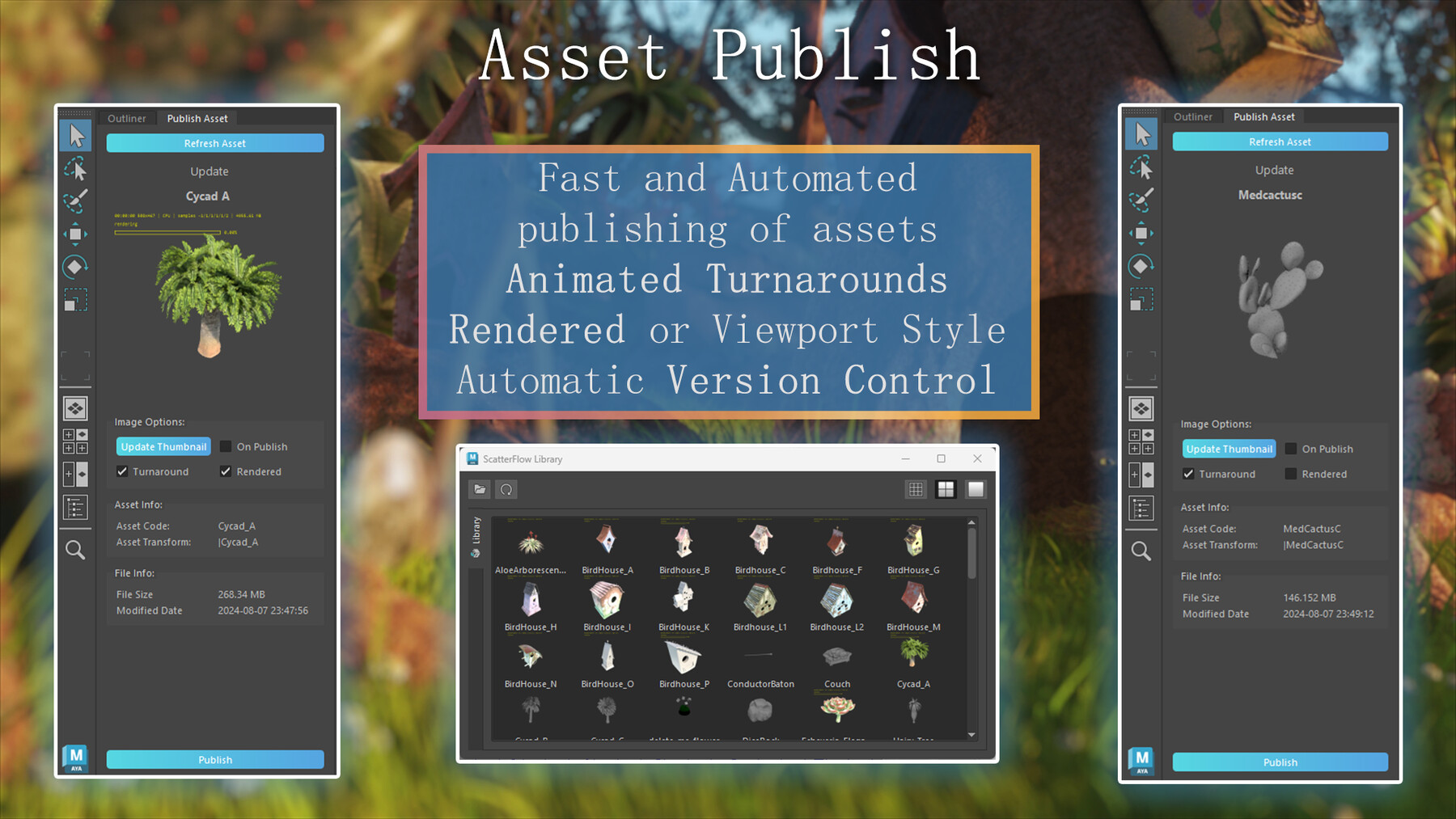
Includes a full asset publishing system that manages:
- Exporting Maya files
- Exporting Arnold Ass caches
- Version Control and backups
- Animated turnaround thumbnail rendering (via Viewport or Arnold rendered)
Asset Library:
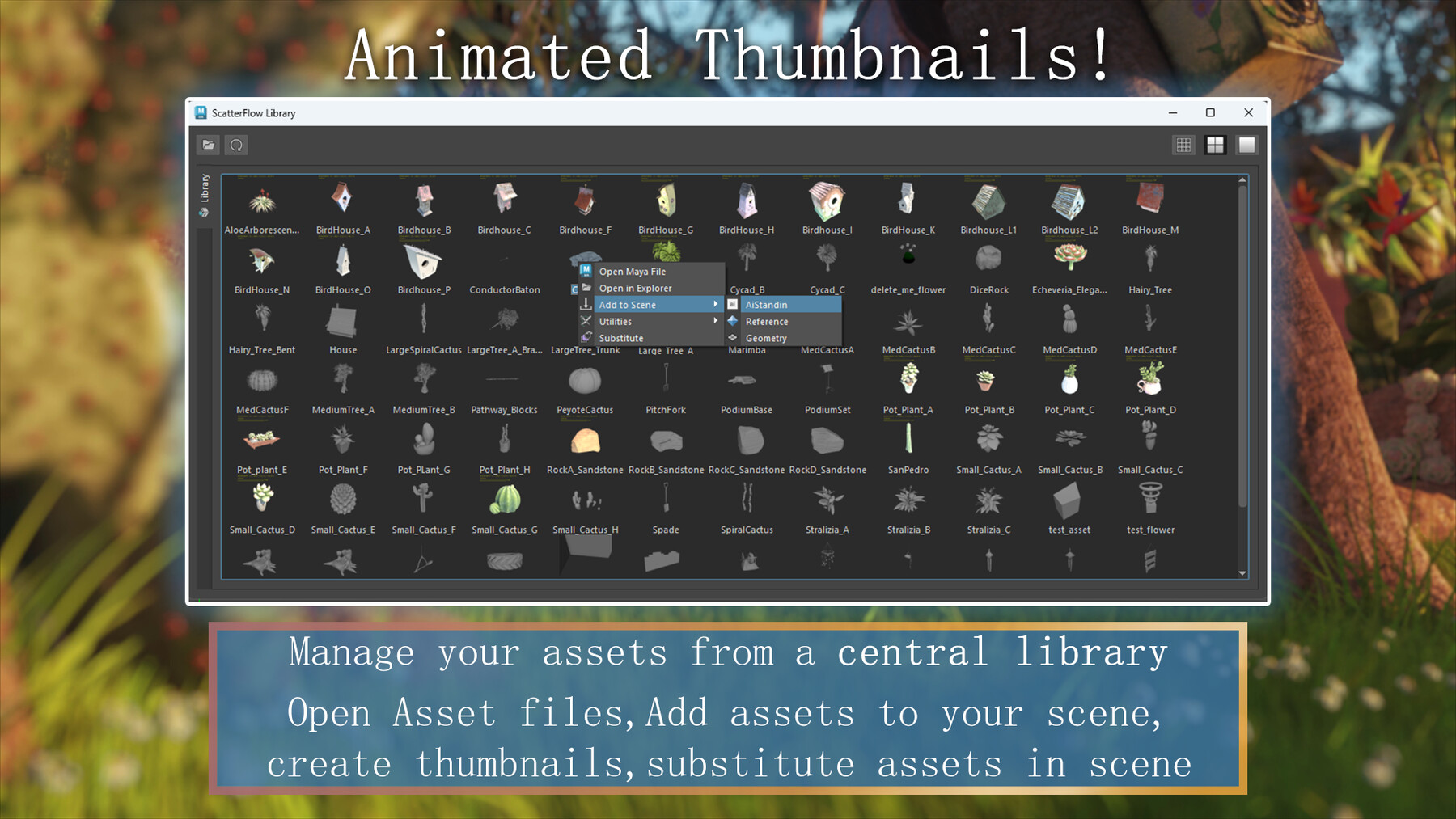
An asset library with animated turnaround previews of assets.
The library is a hub for asset based actions such as:
- Re-capturing thumbnails
- Adding assets to the scene
- Opening asset files
- Replacing assets in the scene
Compatibility:
Maya Versions: 2024, 2025, 2026
Arnold (MtoA)
Python 3
Qt: PySide2 or PySide6
Installation:
Drag and drop the "Install.py" into your Maya session viewport.
For more go to my ArtStation Store
Dev Blog v1.0: ScatterFlow V1.0 Full Documentation for a more detailed write-up with gifs and pictures.
Dev Blog v2.0: ScatterFlow V2.0 Updates
Release Notes
See changes and gif demonstrations in the V2.0 Update Blog post
See core functionality in the V1.0 Release Blog post.
This is a major feature update including:
+ New asset types to dress with alongside AiStandin now including Mesh and Maya references.
+ Using mesh type instances you can now scatter on scatter.
+ The ability to enable and disable instancing.
+ More exposed transforms to get your initial placements that much closer to perfect.
+ Many bugfixes and optimisations.