Auto Light Group AOV setup - Arnold For Maya
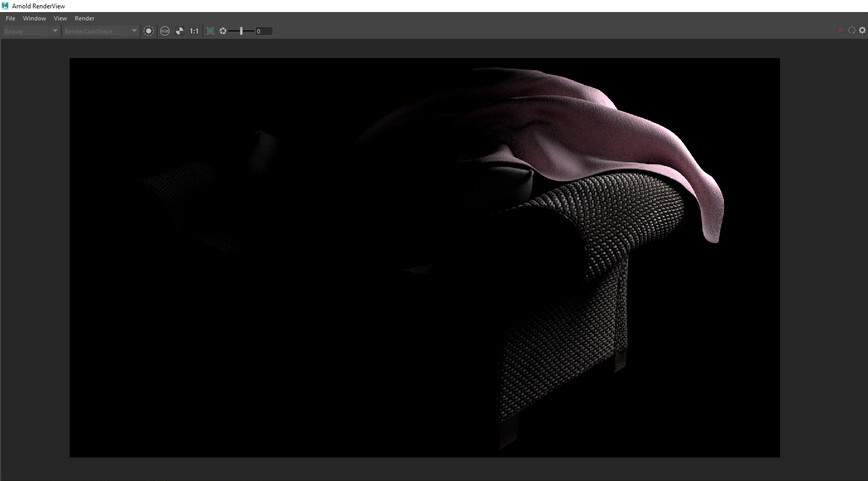
What does it do:
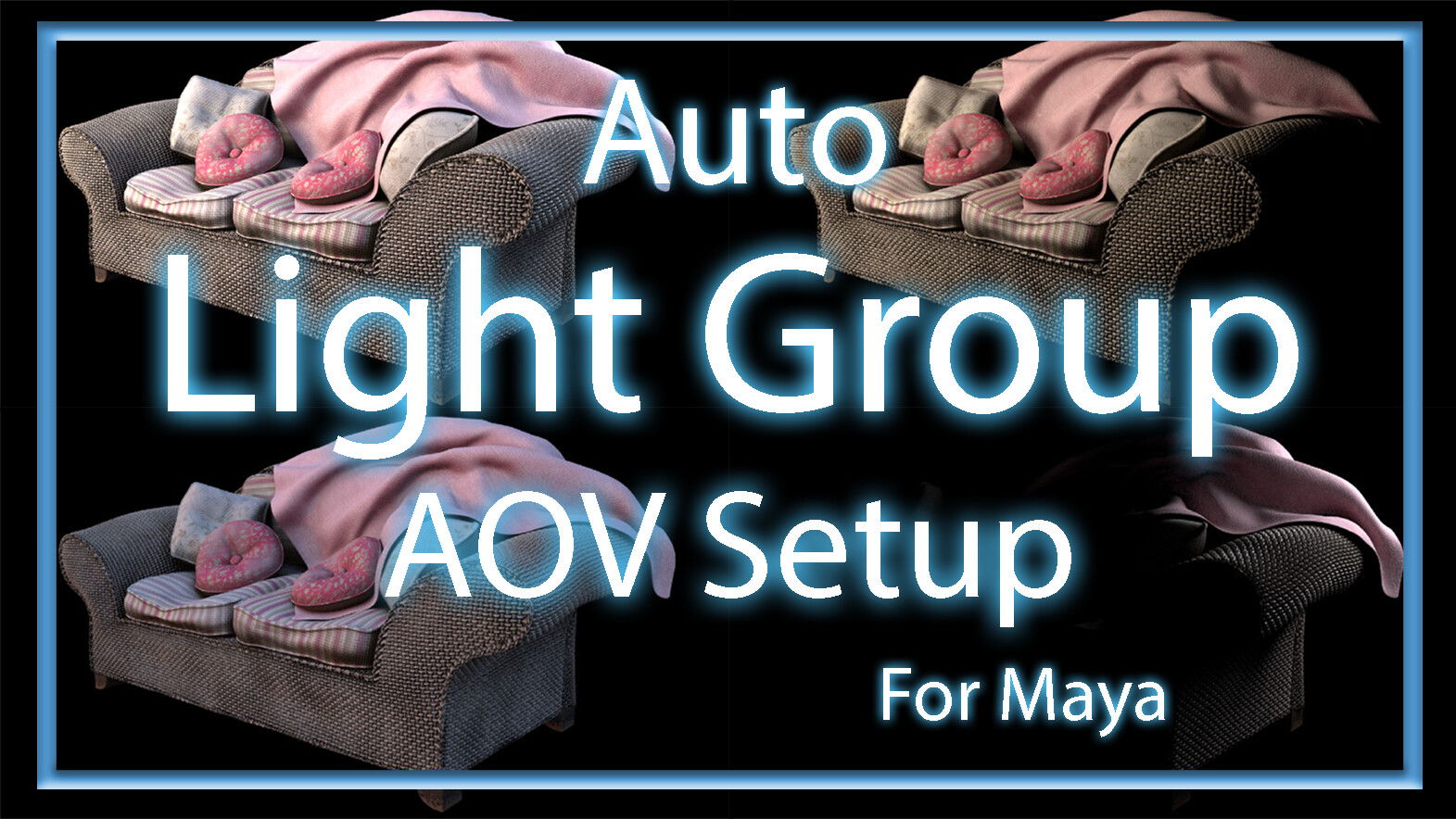
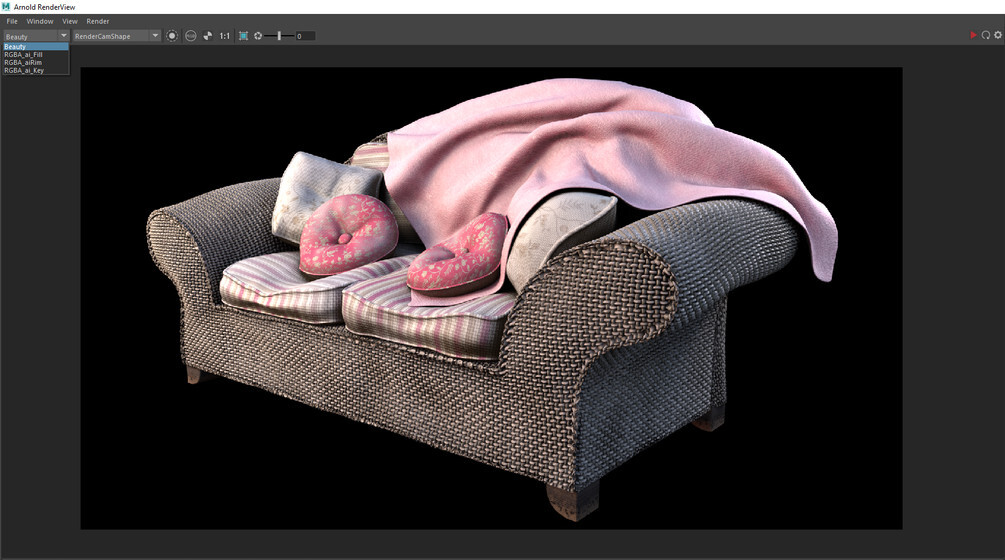
Automatically sets up AOV's for all selected lights to render out in passes for light based compositing .
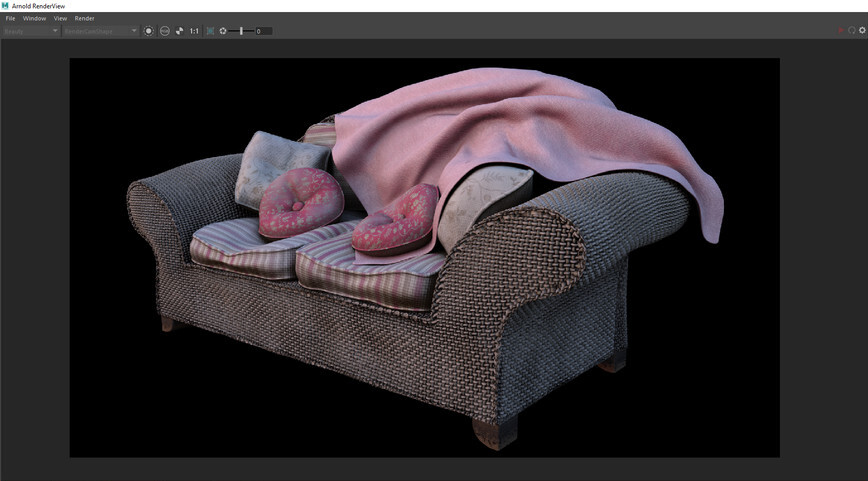
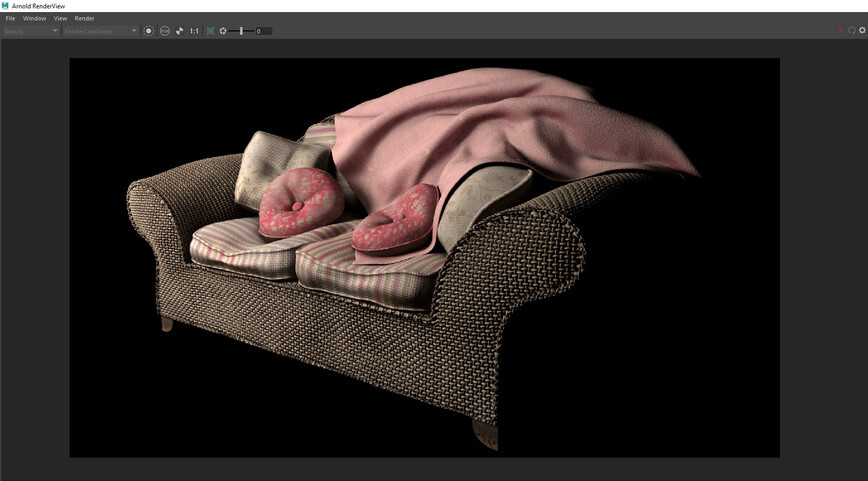
This means you can control the state of each light's intensity, hue, et cetera individually after rendering.
How to use it:
1. Select the lights you want to render AOV's for or the lights you want to add to the AOVs.
2. Run the script.
3. Render - Your Scene will render a beauty pass as well as an AOV for each light.
Installation Instructions:
1. Open the *.py file in any text or script editor.
2. Paste the entire contents of the *.py file into the Maya Script Editor.
3. Save the script as a button to your shelf.
Extra Information:
This script has been closed-beta tested on a sample of up to 58 participants on 8 short films.
Release Notes
This update includes stability improvements, optimisations, and quality of life improvements.