Nuke: Depth Calculator
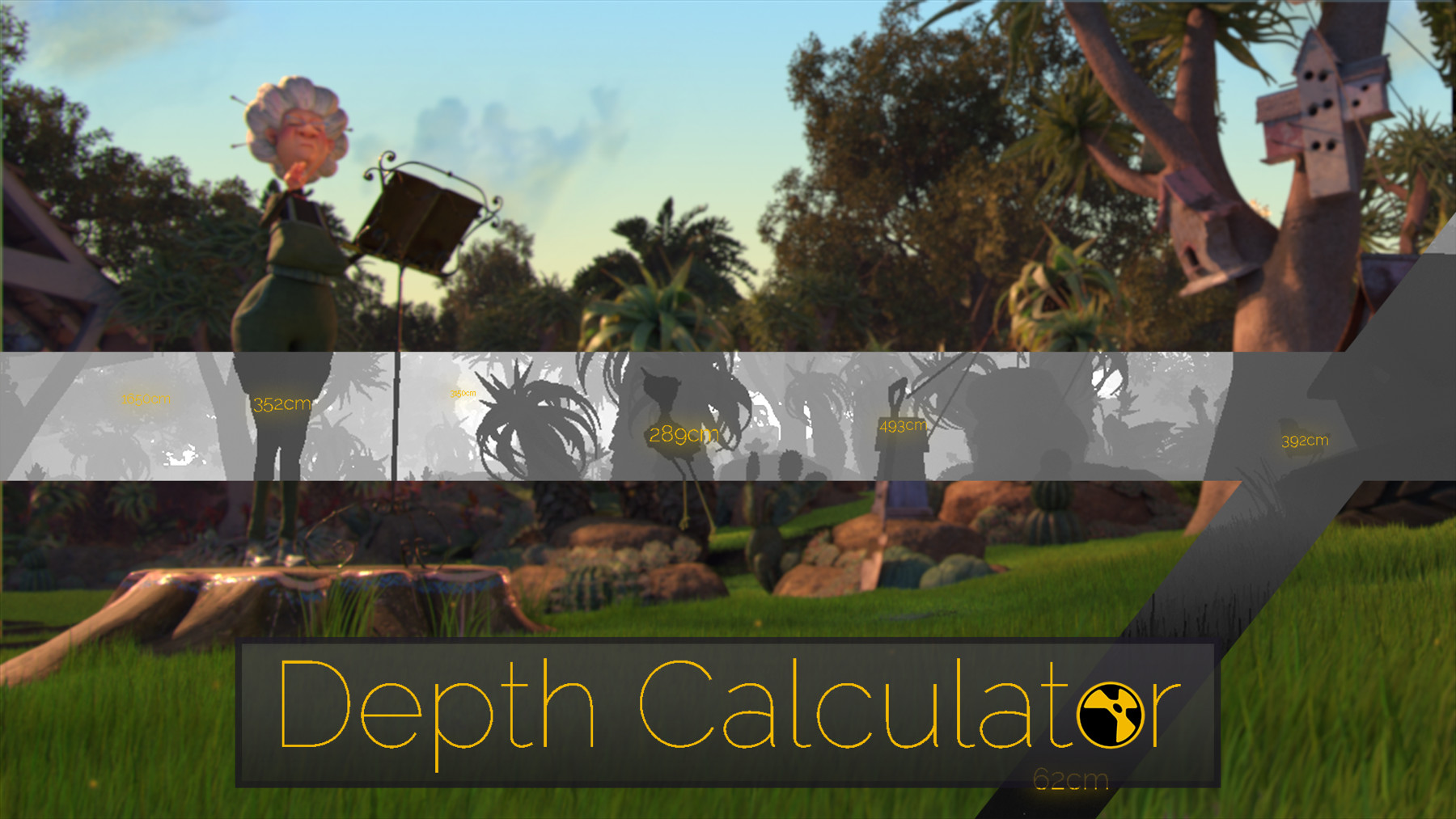
What does it do: See exactly what it does with this 1:30 minute demonstration.
Calculate the minimum and maximum Depth Values of your shot per frame or at a single point or points. Manipulate the resulting output for use in expressions or analysis.
You can also scan complete shots by plugging in multiple inputs to merge the Z-depth passes of all the layers.
Software:
Foundry: Nuke
How to use it:
Find the new "Depth Calculator" gizmo either in your Tab dropdown or in the Yokai_Tools Menu on your screen left.
Plug in one or more image sequences. Their Zdepth passes will be composited together internally.
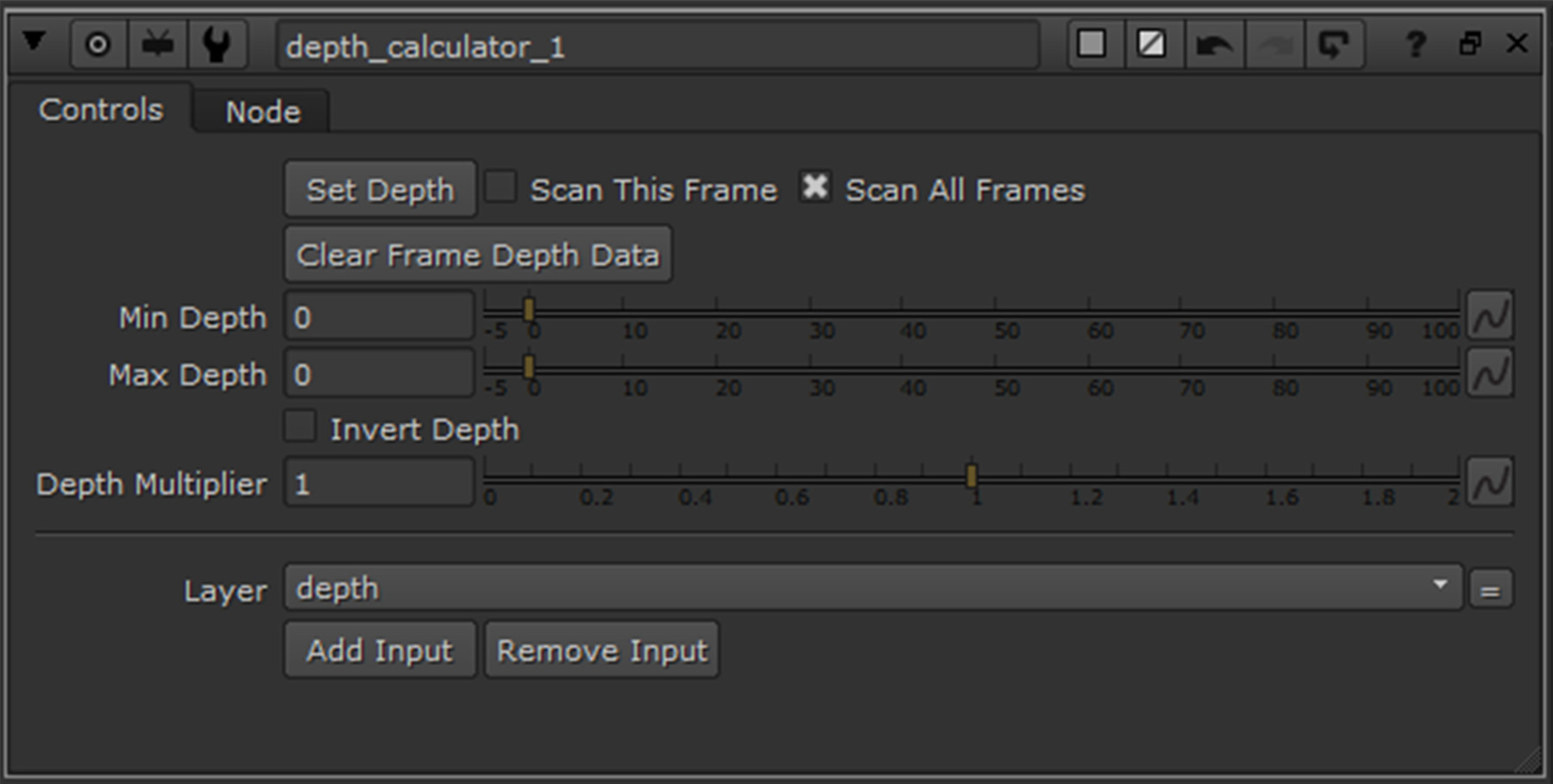
Click "Set Depth" to set a static min and max depth value across the scene based on the current frame.
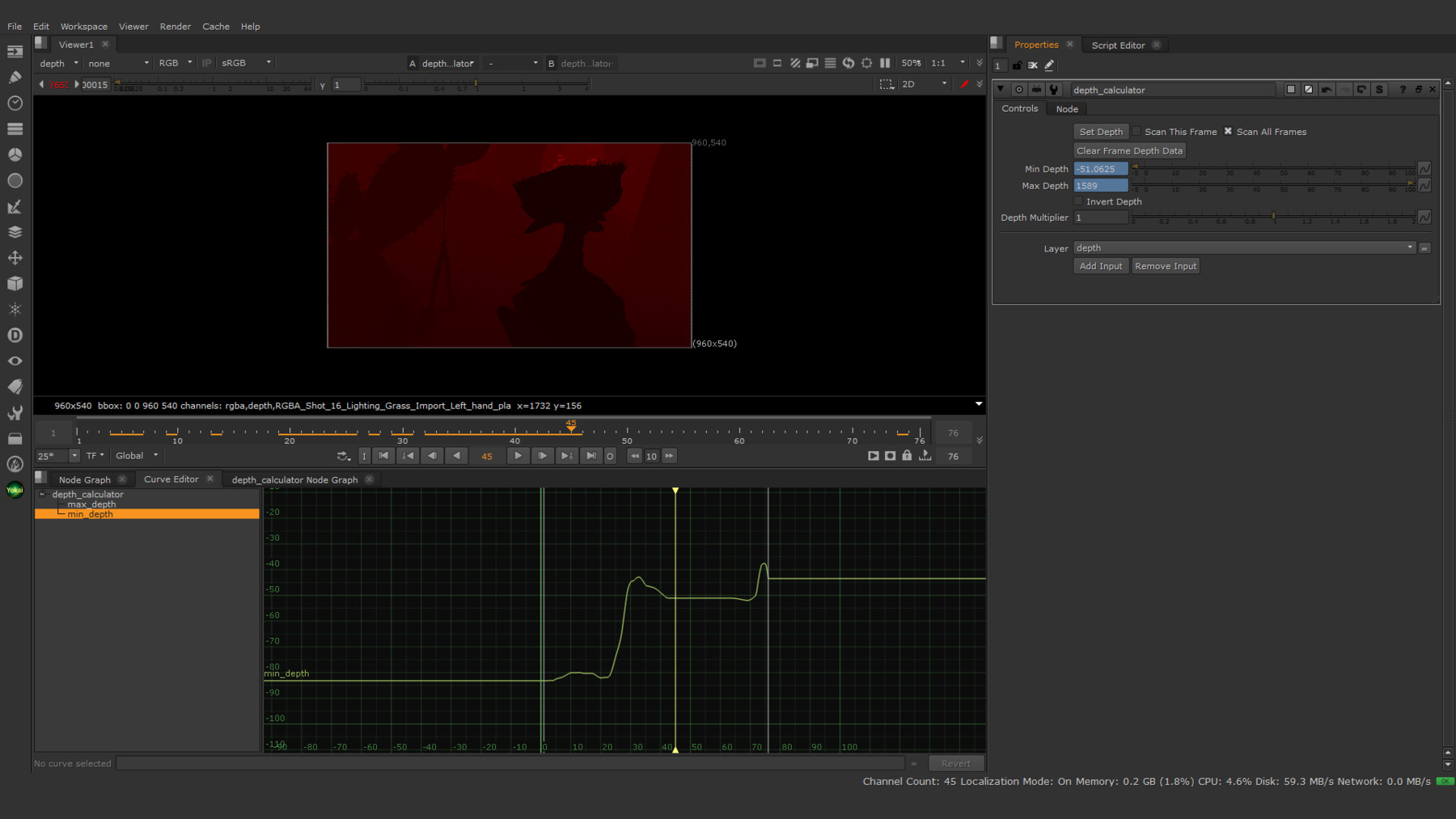
Enable "Scan this frame" to create scanned keys to interpolate the output min/max depth between.
Enable "Scan all frames" to collect min and max ZDepth data for all frames.
You can then use the inversion checkbox or multiplication slider to manipulate the output to your desire.
Installation Instructions:
Copy the contents of the provide "dotnuke" folder to your local ".nuke" directory.
Windows: {drive_letter}:\Users\{username}\.nuke
Linux: /home/{username}/.nuke
If you already have a "menu.py", simply append the contents of the provided one to your own.