Camera Heatmap for Autodesk Maya

What does it do:
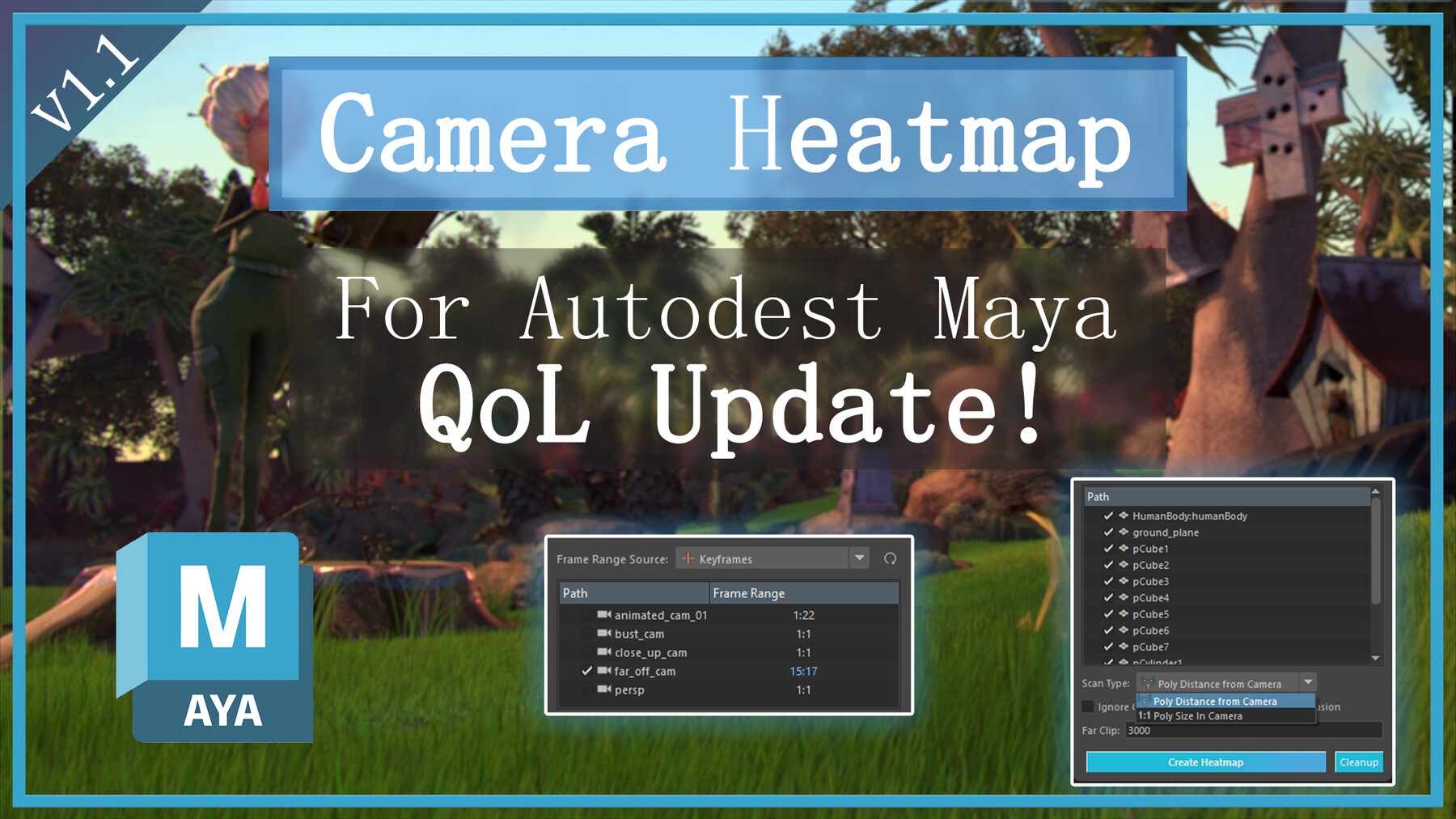
Version 1.1 Demo Video
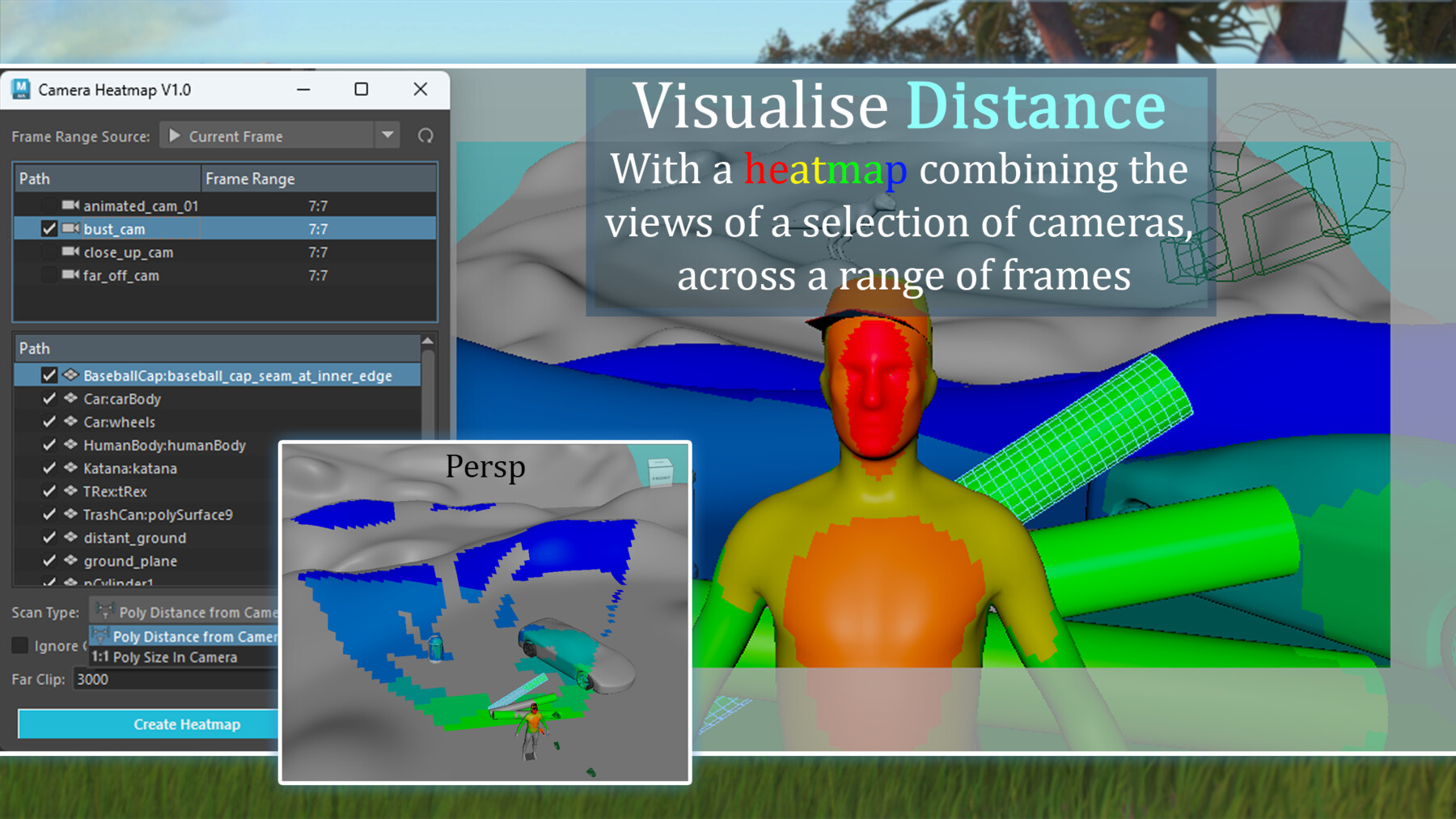
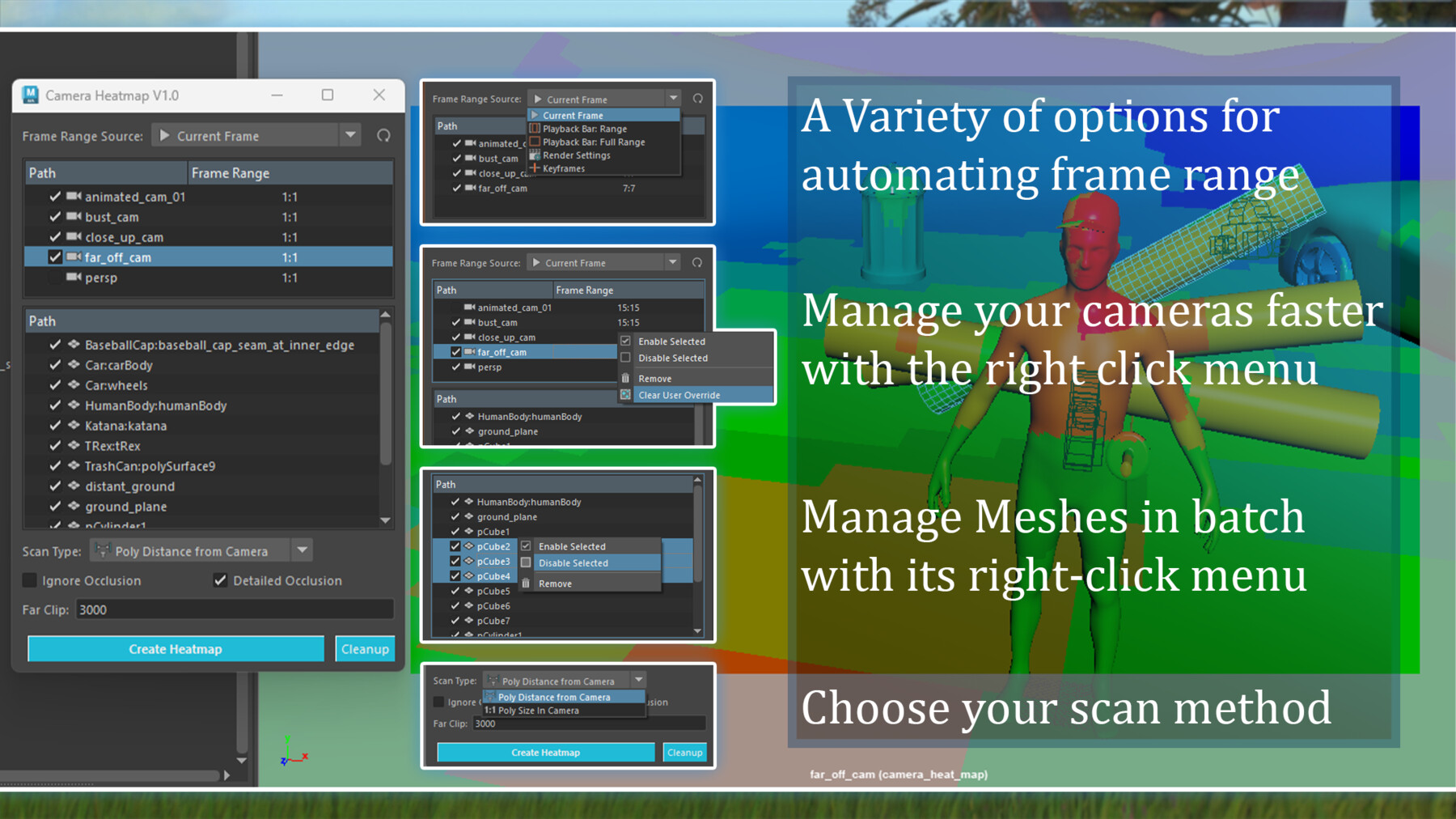
The interface allows you to select a list of cameras and a list of geometry.
It will then process the combination to output a heatmap, represented in a colorset applied to the geometry.
Scan Types include:
- Poly Distance from Camera: The polygons closest to camera will be red, while those furthest away will be blue, with a range of colours between.
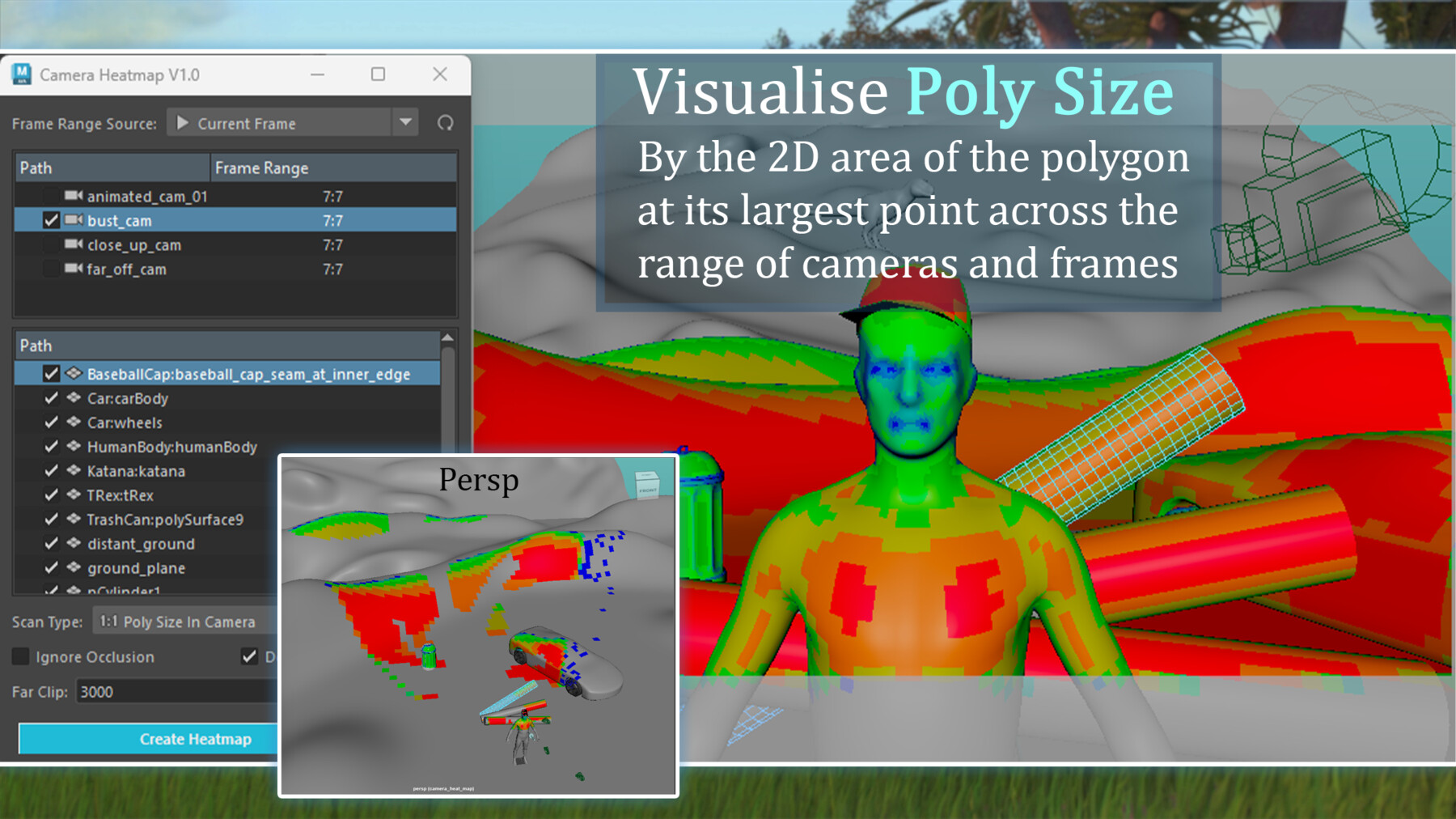
- Poly Size in Camera: Polygons will be measured based on the percentage of two dimensional space they take up in the scanning camera.
Application:
The output Heatmap colours can clearly combine the points of interest in a list of cameras across varied frame ranges.
This can assist in determining which areas of an environment will need the most detail in texture, or set dressing based on them being closest to any particular camera.
It can visualise where detail can be minimised or removed due to walls, hills, or buildings blocking off large areas of terrain from the cameras field of view.
The poly size in camera scan can assist in determining areas that may need increased subdivision.
Blog Post:
How to use it:
1. Run the script through the button on your shelf.
2. Choose which cameras you want to export.
3. Choose the frame range you want to use.
4. Choose which mesh you want to scan and apply the heatmap to.
5. Click "Create Heatmap"
Installation Instructions:
1. Open Maya and view the shelf that you want to add the tool to.
2. Drag and drop the "camera_heatmap.py" file into your Maya session.
3. The tool will appear on your current shelf.
For more go to my ArtStation Store
Release Notes
Compatibility, Feature & Optimisation Update:
+ Now compatible with Maya 2025 as well as older versions.
+ New Feature: "Preview Scan", does a quick scan on the current frame through a camera when you click on it.
+ Optimisation: Now calculates in approximately 13% of the time.